
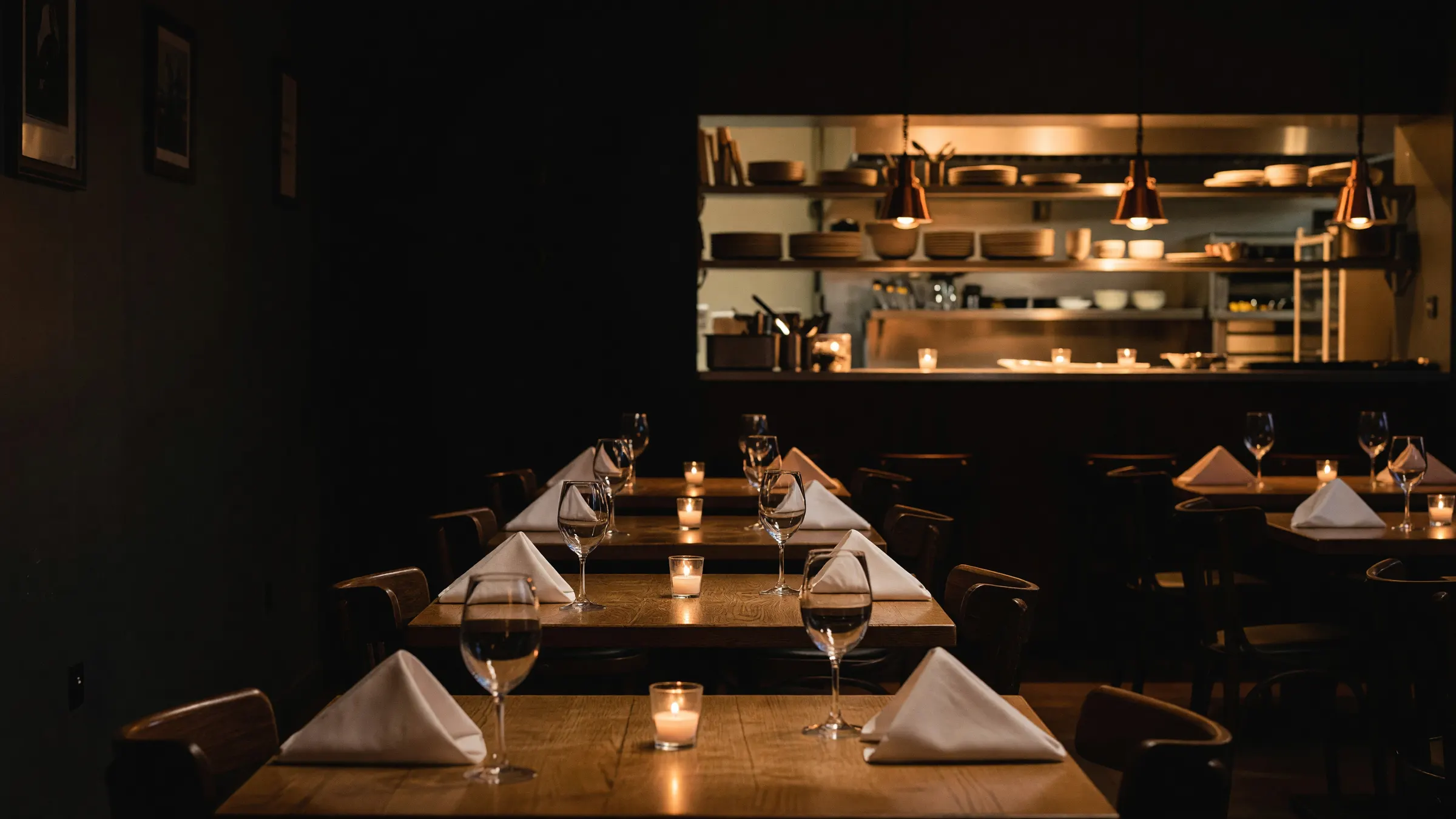
Restaurant website design that fills tables
Restaurant website design for your restaurant, bar or brewery, so the people picking a place tonight find you nearby, read your menu on their phone, and book or order without hunting for the button.
30 minutes on Google Meet
For independent restaurants, bars, breweries and cafés
Every table starts as a search on a phone
Before anyone walks in, they pick you on a phone: a quick search, a few places nearby, a look at each one's site. That search happens millions of times a month.
Searches across the US, every month
- 6.1M restaurants near me
- 735K bars near me
- 457K brunch near me
- 217K happy hour near me
- 110K breweries near me
Source: Ahrefs monthly US estimates, October 2026
Each of those is someone picking where to go tonight, from what Google shows them and the site behind it. Some of them are a few streets from you.
The cut on an app order
Delivery apps bring you new people, and they charge for it. By DoorDash's own published rates, a delivery order placed in its app costs you 15 to 30% of the subtotal, depending on your plan.
When a regular taps the Order button on your own site and it goes to the online ordering you already run, that order carries no marketplace commission.
Source: DoorDash merchant pricing, delivery orders placed in the DoorDash app, October 2026. Orders on your own site still pay card processing and your ordering provider's own fees.
What a hungry person checks, and how we build for it
Your site earns two ways: more people nearby find it, and more of the people who find it book a table or place an order. Good restaurant web design gets both out of the same five things a diner checks on their phone before choosing. We build each one for the person holding the phone and for Google, from the day you go live.
-
01 The search
They search, and you show up
- The diner sees
- Your name, what you serve and whether you're open right now, with links to your menu and directions in the results.
- Google reads
- Your menu, hours, address and cuisine, set out on the page so it doesn't have to guess what you are or when you're open.
-
02 The menu
They read the menu
- The diner sees
- Dishes and prices as real text, sized for a phone. No PDF to download, pinch and squint at. When the specials change, you change them yourself in a simple editor.
- Google reads
- Every dish in words, so it knows what you cook and can put you in front of people looking for it.
-
03 Hours and where
They check you're open, and where you are
- The diner sees
- Today's hours and your address in one spot, with one tap to call and one tap for directions.
- Google reads
- The same hours and address as your Google listing, so the two tell the same story.
-
04 Book or order
They book a table or order
- The diner sees
- Your Book and Order buttons at the top of every page, wired to the reservation and ordering tools you already use. Nothing new for your staff to learn.
- Google reads
- Plain links to your booking and ordering pages that it can follow, not buttons tucked inside a pop-up.
-
05 Fast
It opens on one bar of signal
- The diner sees
- A page that's there almost as soon as they tap, even on the sidewalk with a weak signal, before they give up and pick somewhere else.
- Google reads
- A light page built to its own guidance for speed on phones, which it takes into account when it decides what to show.
Our work: 240 Union, Lakewood, Colorado
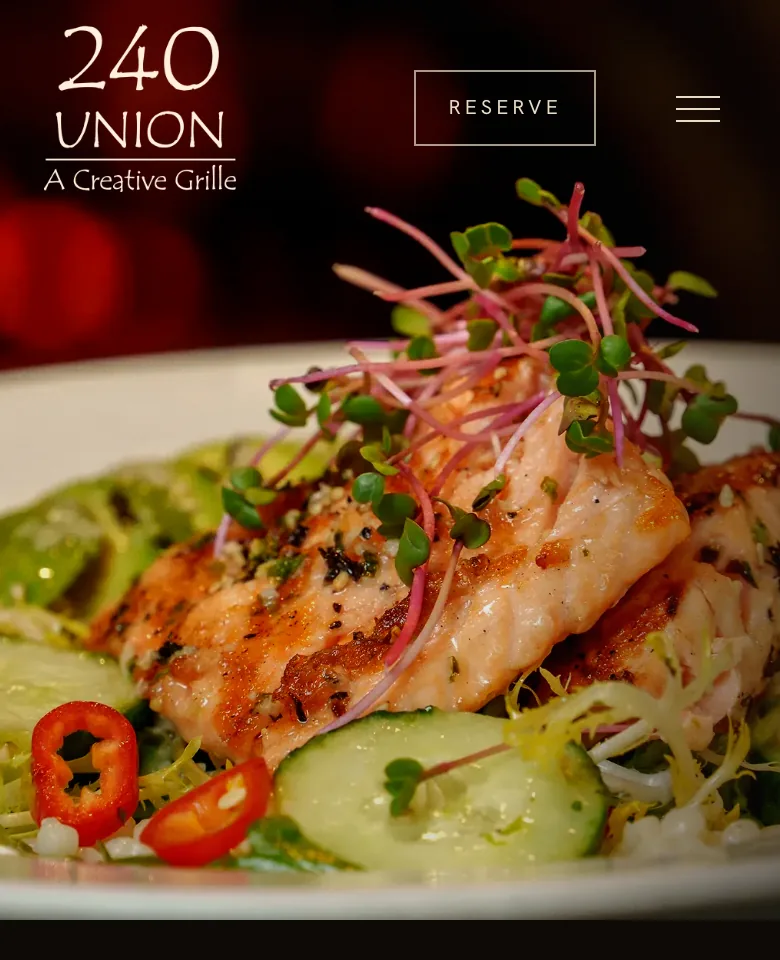
A Lakewood grille's website, built around its menu and its Reserve button
240 Union has been a creative grille in Lakewood, Colorado, since 1989: wood-fired pizza, hand-cut steaks, fresh seafood, seasonal pasta and private events. We designed and built its website from their own photographer's pictures and their menu. It went live in July 2026, about ten weeks after we started.
- In Lakewood since
- 1989
- Kickoff to launch
- About 10 weeks
- Booking and gift cards
- OpenTable and Toast, already theirs
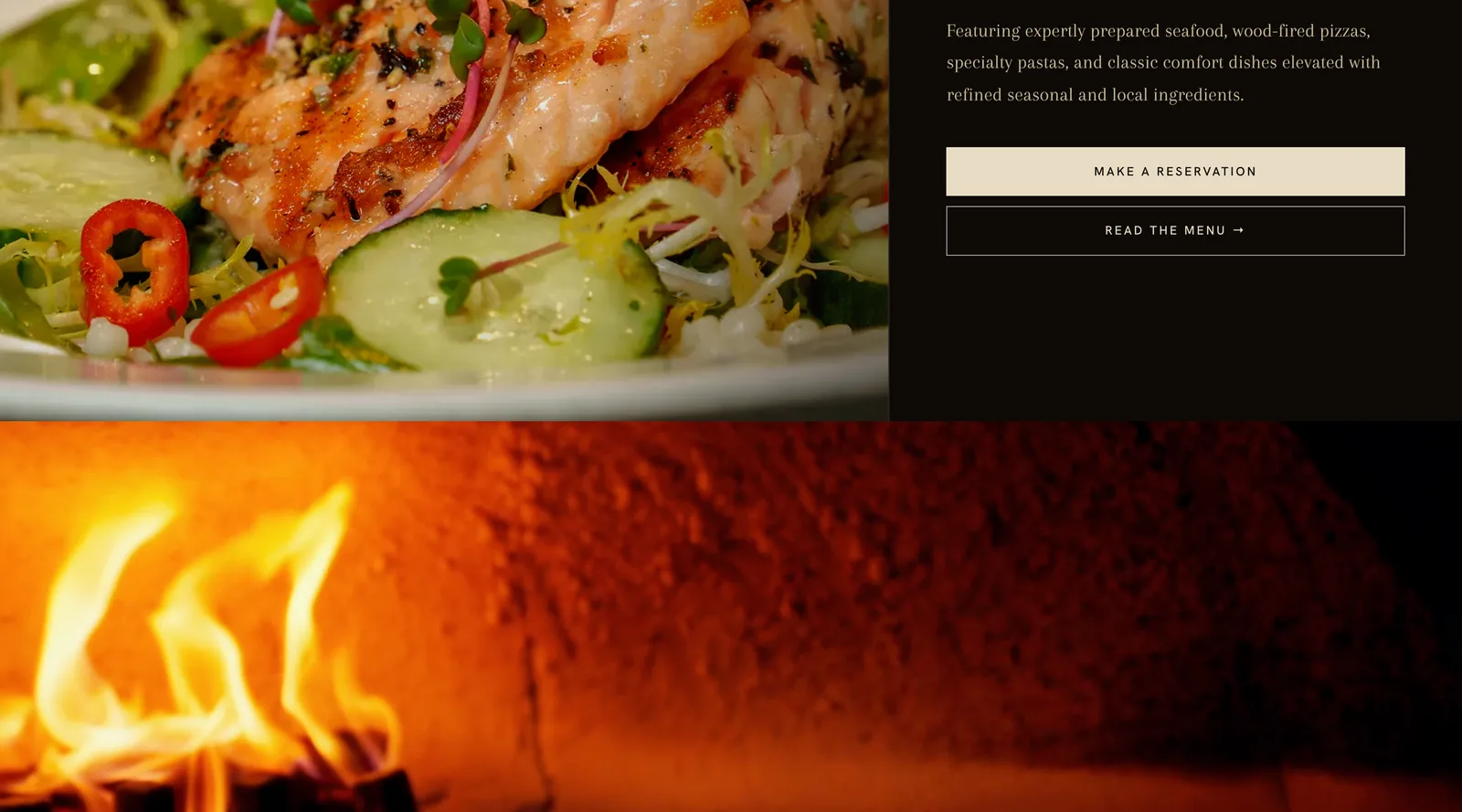
01 Book
Reserve sits at the top of every page
It opens the OpenTable reservations they already took, wherever a diner is on the site. Big parties get a phone number beside it.
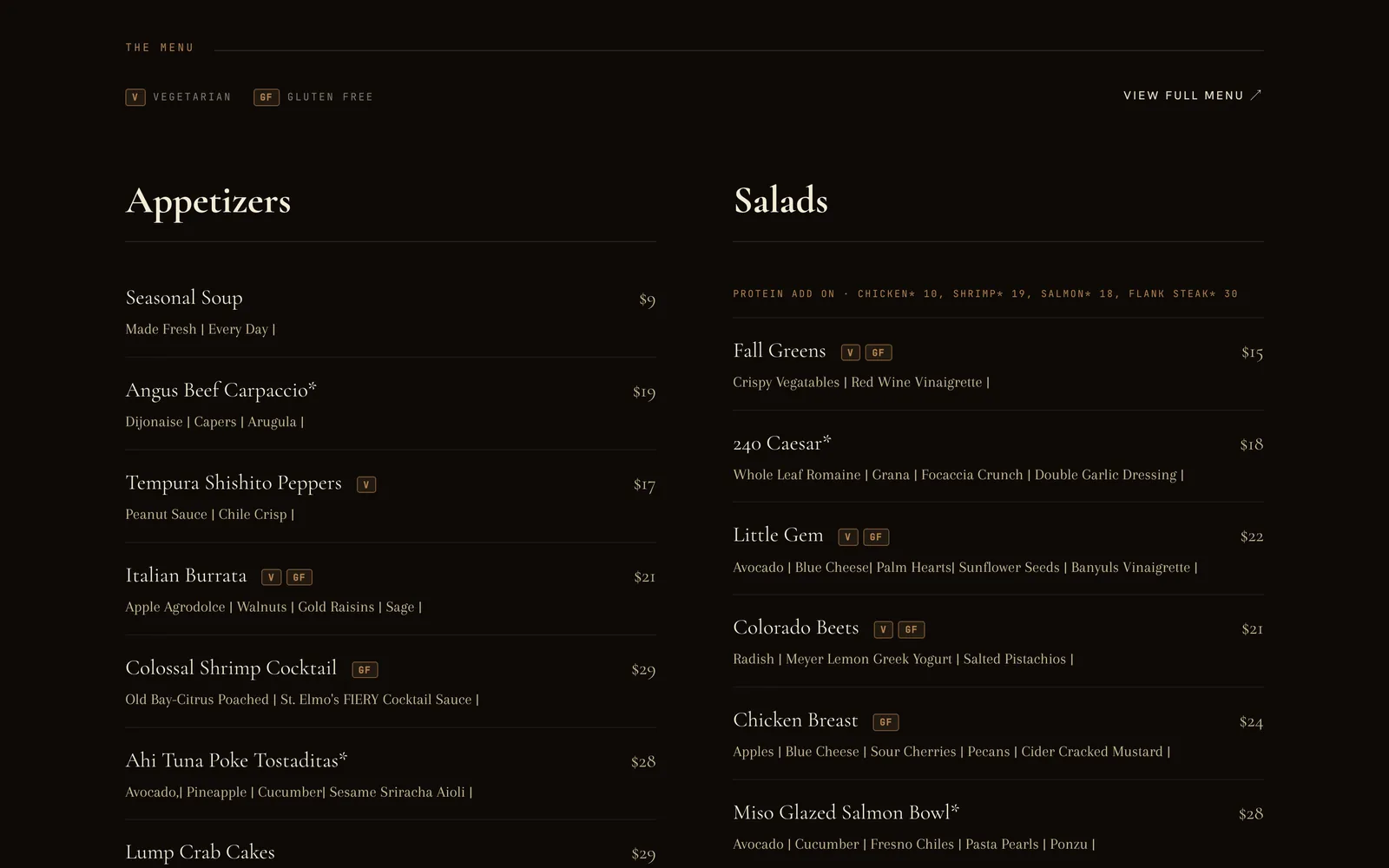
02 Menu
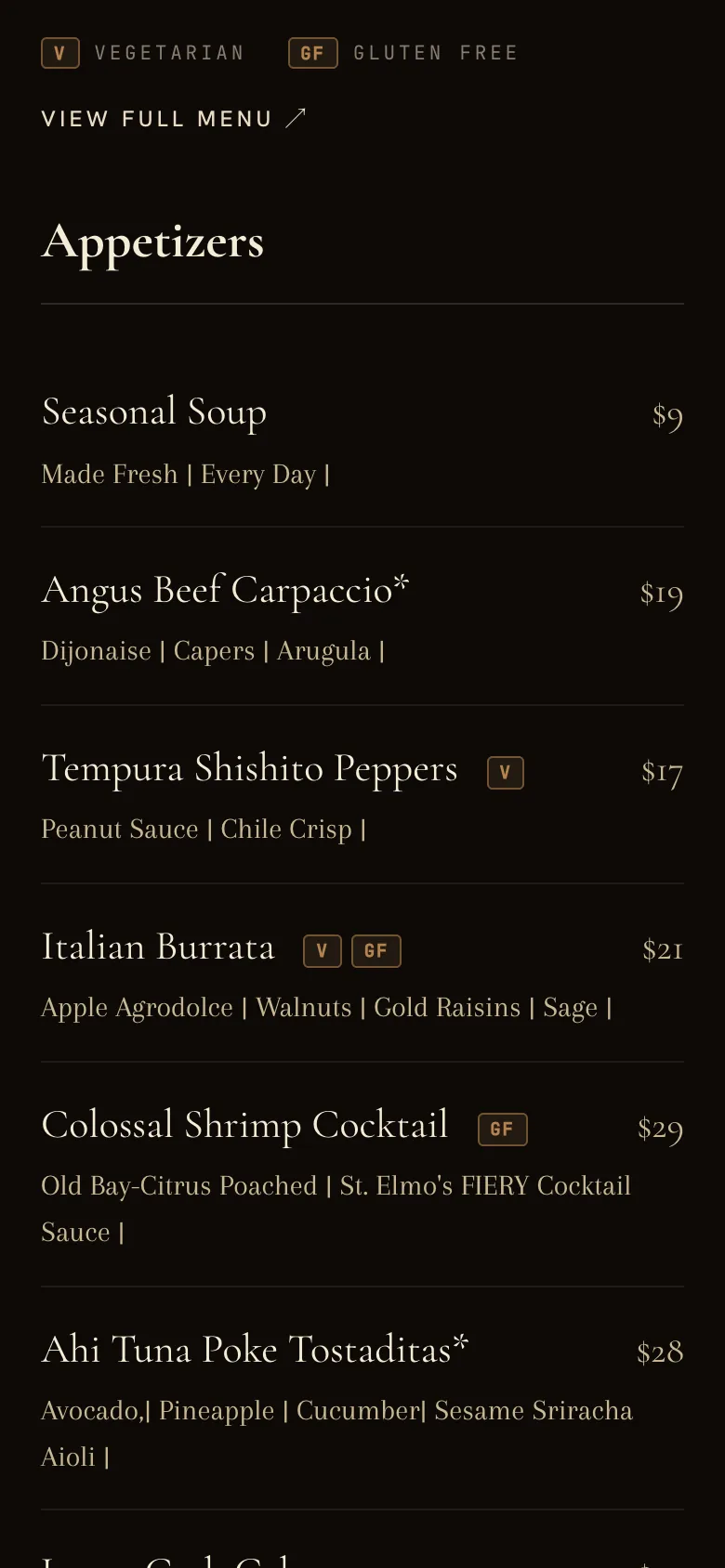
The menu is real text, and theirs to change
Appetizers through "Land" and "Sea", with prices and vegetarian and gluten-free tags, with a printable version beside it for anyone who wants paper. They update it themselves in their own editor, and it has already gone from the summer menu to the fall one.
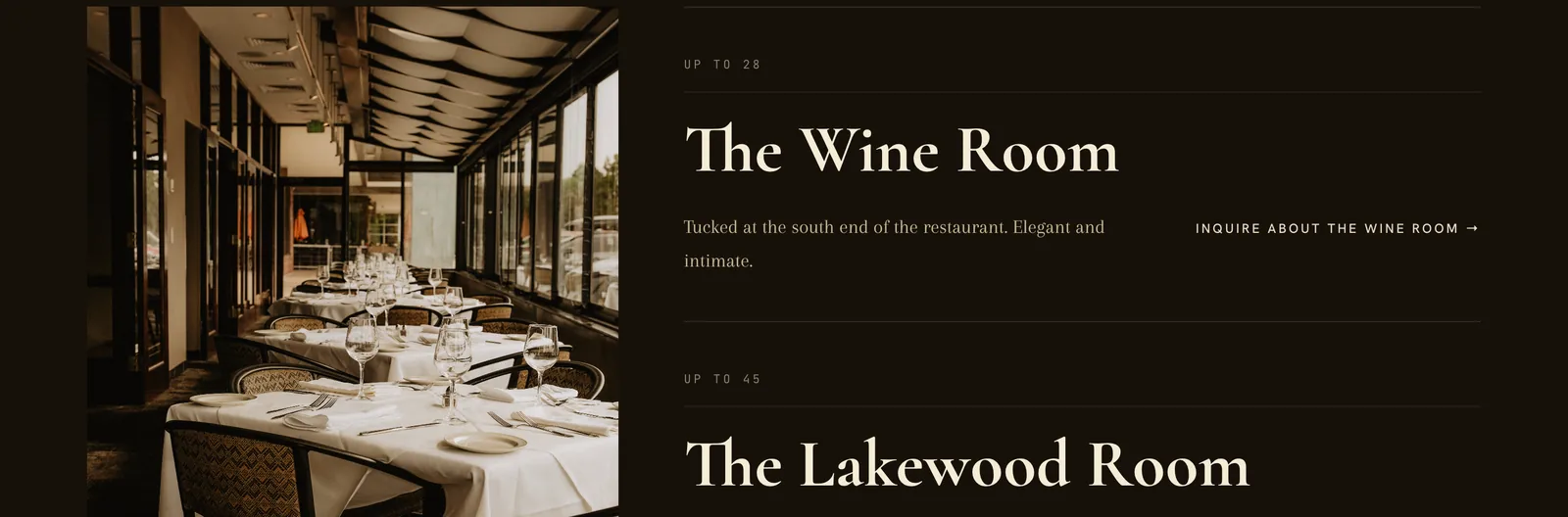
03 Private dining
Four rooms, each with its own way to ask
Every room is listed with how many it holds, and every room has its own Inquire link. The form goes straight to the person who books their events, so a rehearsal dinner or an office party reaches the right desk the first time.
- The Wine Room
- Up to 28
- The Lakewood Room
- Up to 45
- The Enclosed Patio
- Up to 40
- The Back Half
- 50–75 seated, up to 100 for a cocktail reception
04 Gift cards and email
Wired to the tools they already run
Gift cards go to the Toast page they already sell through, and the newsletter sign-up is OpenTable's. We hooked up what they had instead of asking the staff to learn something new.
05 Hours
The same hours everywhere a diner looks
Tuesday to Friday 11 to 9, weekends 5 to 9, closed Mondays. They sit in the footer of every page and in the restaurant details Google reads, along with the cuisine, price range and reservations.
That's restaurant and bar website design the way we do it: built around what your diners check and what fills your tables, wired to the tools you already pay for, and looking like your place. If your dining room sits inside an inn or a lodge, our hotel website design covers the rooms side.
Visit 240union.com (opens in a new tab)From first call to a site that takes bookings
Six steps, and most of the work in them is ours. Under each one is what it asks of you, so you can see how little time it takes away from service.
-
Step 1
A call about your place
Thirty minutes on Google Meet about how your place runs and what you want more of: full tables midweek, takeout, events, private parties. That answer decides what goes first on every page.
Your part Half an hour, and the questions are about your place, not about websites.
-
Step 2
We start from what you've made
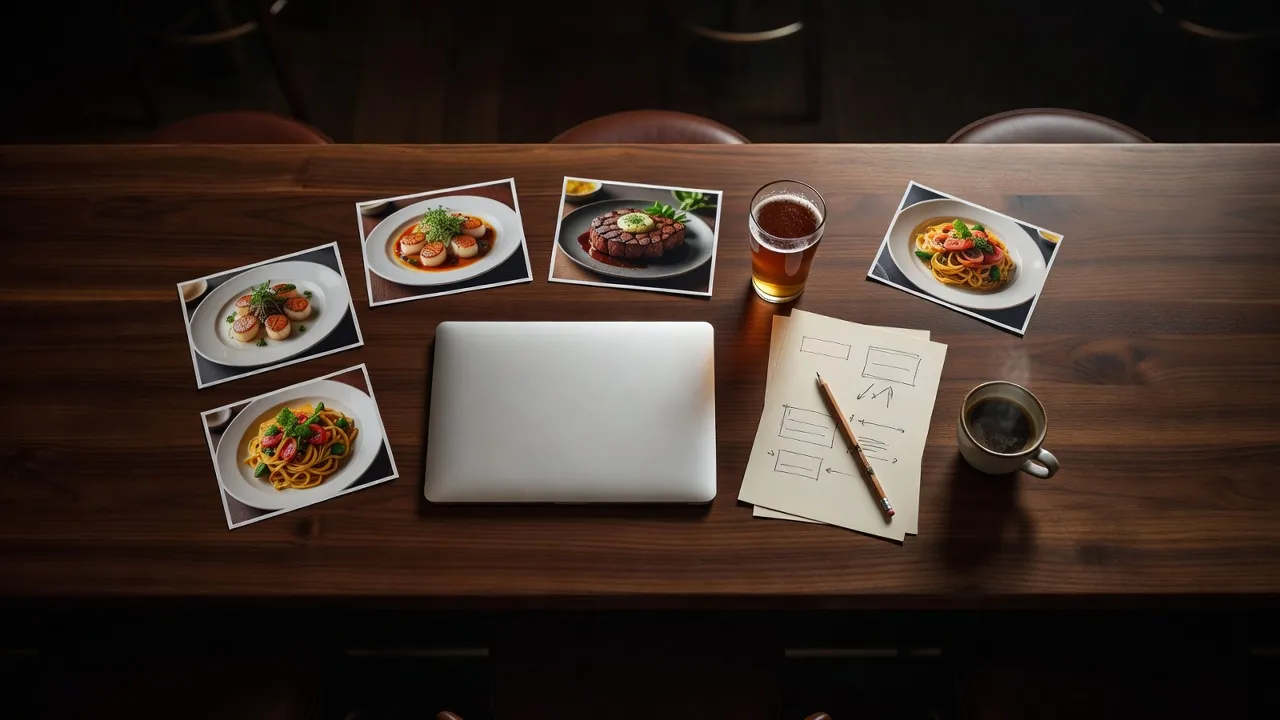
Your food photos, your current menu, your Instagram. We don't need to have sat at your bar: what you post already shows the plates, the light and the crowd you draw.
Your part Send what you have, rough is fine.
-
Step 3
A design shaped like your room
Colors, type and pictures taken from your place, so a regular would know it's you with the name covered. Not a template with your logo dropped in the corner.
Your part Tell us anything that doesn't feel like you.
-
Step 4
Built in Astro, so it opens fast
Astro sends each phone a finished page with nothing extra to load. There's no plugin, theme or page builder underneath, so nothing to patch and nothing slowing your menu down when the signal's weak on a busy Friday.
Your part Nothing. Run your kitchen.
-
Step 5
Booking and ordering, hooked up
The reservation, ordering and gift card services you already pay for sit behind your own buttons. Your hours go in to match your Google listing exactly, so nobody drives over to a dark window.
Your part Send the links you use now.
-
Step 6
Launch, then the menu is yours
We carry over what's worth keeping from the old site and point its old addresses at the new pages. From then on, you or a manager change dishes, prices and hours yourselves. Good brewery website design works the same way for a tap list that turns over every week: you swap the beers.
Your part Keep it current, no developer on call.
Who you'd work with
One of us designs and builds it. The other keeps it on schedule.
Bullfinch is two people, Kyle and Katie Rutten, and we do the work ourselves. No account manager passing notes back and forth, no handoff to someone you've never spoken to. From the first sketch to the day your site goes live, it stays with the two of us.
-
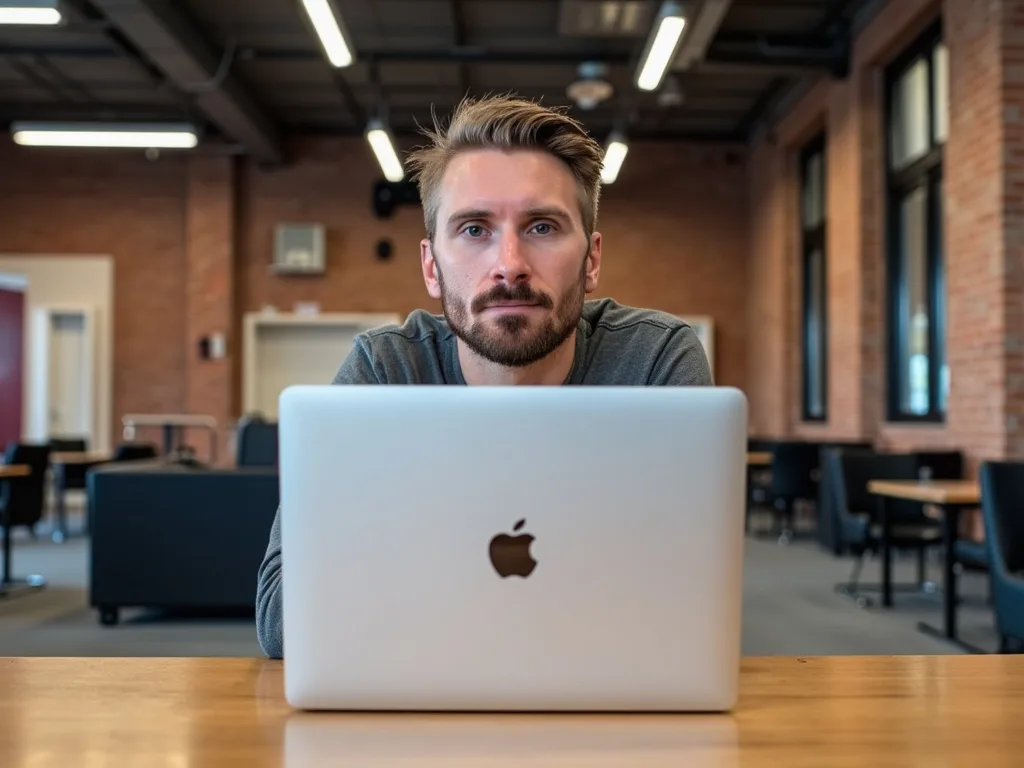
Designs and builds your site
Kyle Rutten
Kyle has been building websites since he was 14. Every page of yours is his: how it looks, where the menu and the Book button sit, and the code that makes it open fast.
-
Runs your project
Katie Rutten
Katie plans the work and holds it to the dates we agree. She sends the updates before you think to ask, so you're never chasing anyone for news between services.
Your call is with Kyle, the person who'll design and build your site. Once the work starts, you'll hear from both of us.
Pick a time with KyleWhat restaurant website design costs
Here it is up front. Three things decide where your site lands in the range below, and you see the exact figure in writing before any work begins.
Most of the sites we build
$5,000 to $40,000
One price for the whole build. No hourly billing.
What moves the number
- 01How many pages
- The menu, hours and how to find you is a small site. Separate lunch, dinner and drinks menus, private parties and an events page add to it.
- 02The tools you already use
- Reservations, online ordering, events, the gift cards you already sell. Each one we hook up behind your own buttons is part of the work.
- 03Help after launch, if you want it
- Optional: ongoing SEO or Google Ads to bring in more people searching nearby. Say no and you still get a site built for Google from the start.
A fixed price within a week
After the call we scope the site you described and send the price in writing, within the week. It's a price for the work, not a meter running on hours, so you can plan around it before the season starts.
The site belongs to you
The domain, the code and the hosting accounts are yours. Once it's live we can host it and keep it up to date, or hand the whole thing over clean, to you or to another developer.
Questions owners ask first
Short answers to what owners usually want settled before they book. Anything else, ask on the call.
Isn't a template cheaper?
On the monthly bill, yes, a template is cheaper. The difference shows up in how many people find you and pick you. Custom restaurant website design is built around your own menu, booking and ordering from day one, with the menu as real text Google can read, hours that match Google, and pages that load fast on a phone. And it looks like your room, which is what a diner comparing three places on a phone is choosing between.
I change the menu every week. Do I have to call you each time?
No. We set you up with a simple editor, and whoever writes the specials board can update dishes, prices and hours from it. You never wait on us for a price change.
Will it work with the reservation and ordering tools I already use?
We don't replace them. Whatever you use now for reservations, takeout orders or gift cards, we link or embed it so a guest can book or order from the top of your page.
How long does it take? We've got a season coming.
Most sites take about 60 days. 240 Union, the Lakewood grille shown above, ran a little longer, about ten weeks after we started, because it had more to wire in: a full menu, reservations, gift cards and four private dining rooms. Your written quote gives the dates, so you can plan around opening day or the season.
Do I own the site, or am I locked in?
You own it outright. If you ever want someone else to look after it, the whole site goes with you.
You've never been in my place, and you're not local. Does that matter?
Less than you'd think. We build from your own photos, menu and socials, and you tell us about the place on Google Meet, so the site comes from you, not from a guess.
Book 30 minutes about your restaurant's site
Tell us about the place and what you'd like more of, whether that's booked tables, takeout orders or new faces at the bar. Kyle, who'd design and build the site, will tell you what he'd make for it and roughly what it would take.
The sooner we talk, the sooner you know what restaurant website design costs for your place: one fixed price, in writing, within a week of the call.
- 30 min
- Google Meet
- With Kyle Rutten
Rather pick up the phone?
720-299-8584